

Nielsen Title Editor
There’s More To ISBNs Than Just The ISBN

Last month, I explained how I hoped to launch the eBook version of my third novel in my Marquess of Mortiforde series, Flaming Murder, by 5th November (because it’s set around Bonfire Night).
Guess what?
It didn’t happen.
Oh, the joys of self-publishing!
My graphic designer has been working hard on some designs, and I’ve chosen the one I prefer (and I’ve used the same graphic designer as I did for the first two novels to maintain the series cover style). Here’s a sneak peek at what will be the final design.

Anyway, a few urgent-deadline jobs arose, along with a family funeral that meant I’ve been driving around the country collecting relatives for that, so my timetable has been pulled and stretched into a shape that even I didn’t envisage. I think it’s called Murphy’s Law. (Did you know that Murphy was a real person? One of my urgent editing jobs was for a client who knew Edward A. Murphy Jr., an aerospace engineer, who popularised the saying.)
Now that the cover design has been finalised, I can update the Nielsen Title Editor. This is the big ISBN database managed by Nielsen (from whom UK publishers buy their ISBNs), which then disseminates the book’s information across to booksellers and other industry organisations.
When you buy ISBNs from Nielsen (or whoever your ISBN supplier is, depending upon where in the world you are), it’s cheaper to buy them in bulk. I buy in blocks of ten. However, Nielsen doesn’t know which books you have, or will, allocate those ISBNs to. Hence, the Nielsen Title Editor website where we can give them the details of the relevant book.
It’s a free tool, but it is necessary to create an account with some log-in criteria.
If you haven’t registered with Nielsen Title Editor, you can do so here. Otherwise, all you need to do is visit the Nielsen Title Editor website and log in.
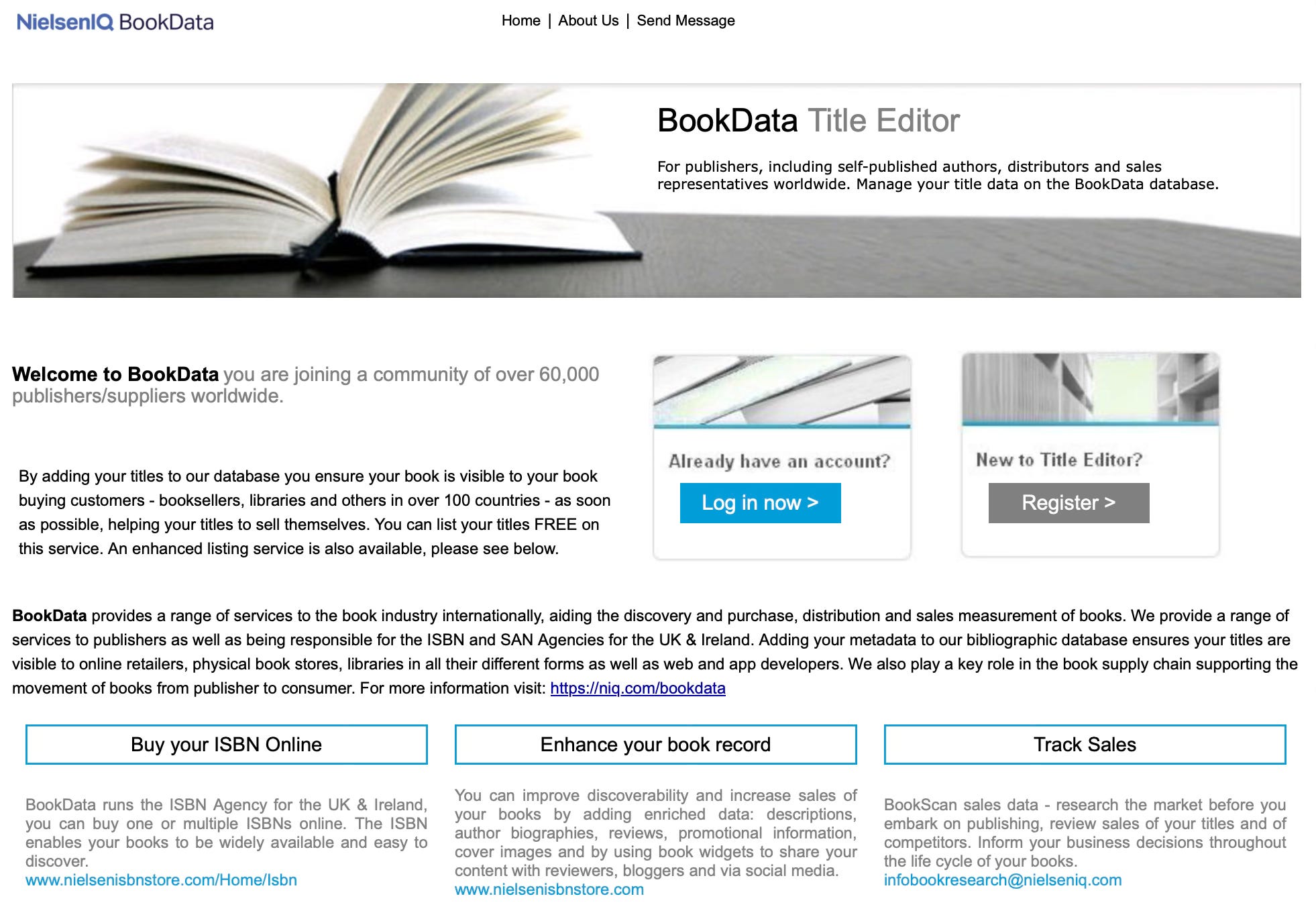
Once logged in, click the Add Book link.
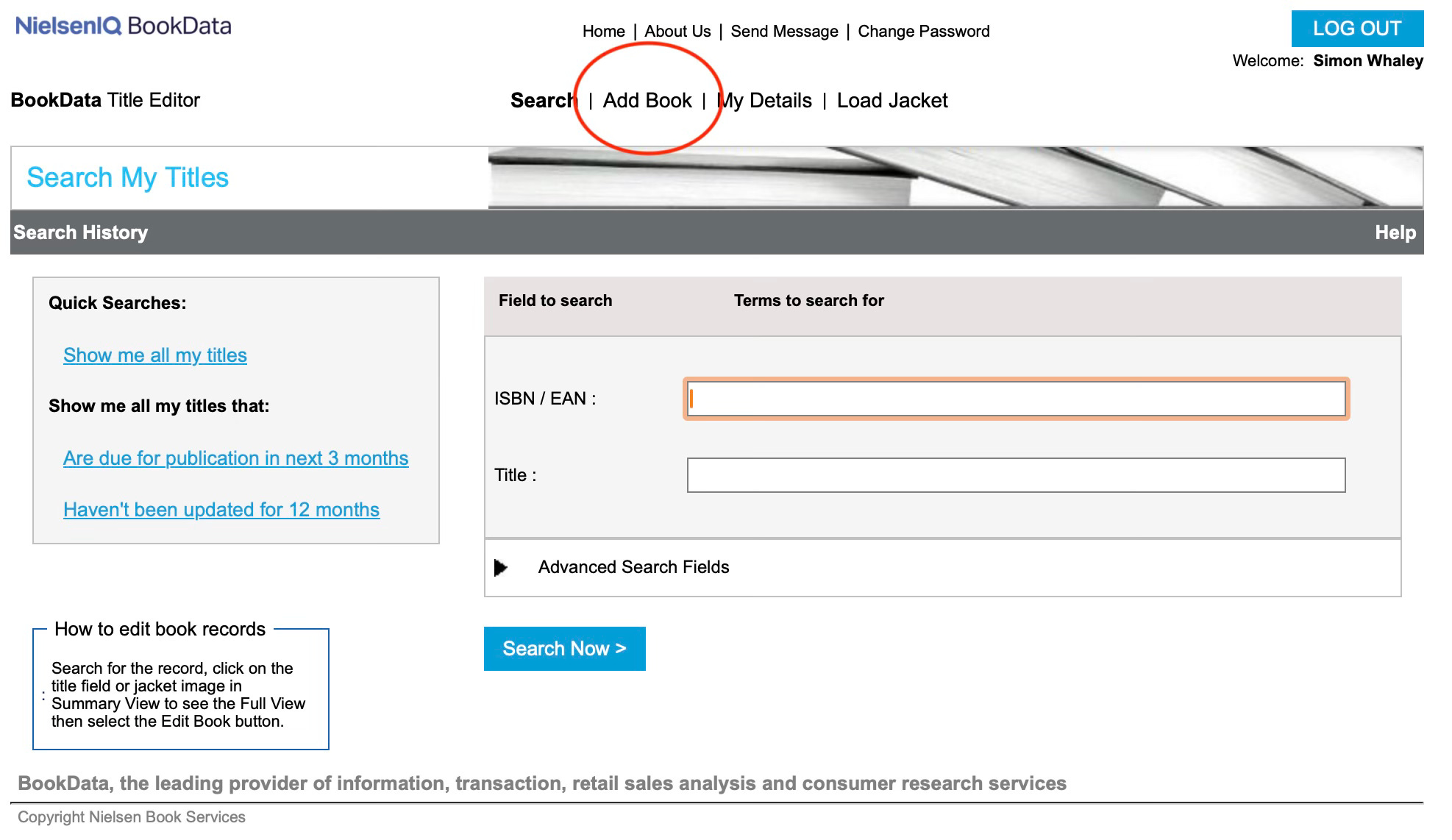
Then enter the 13-digit ISBN you’re allocating to your book.
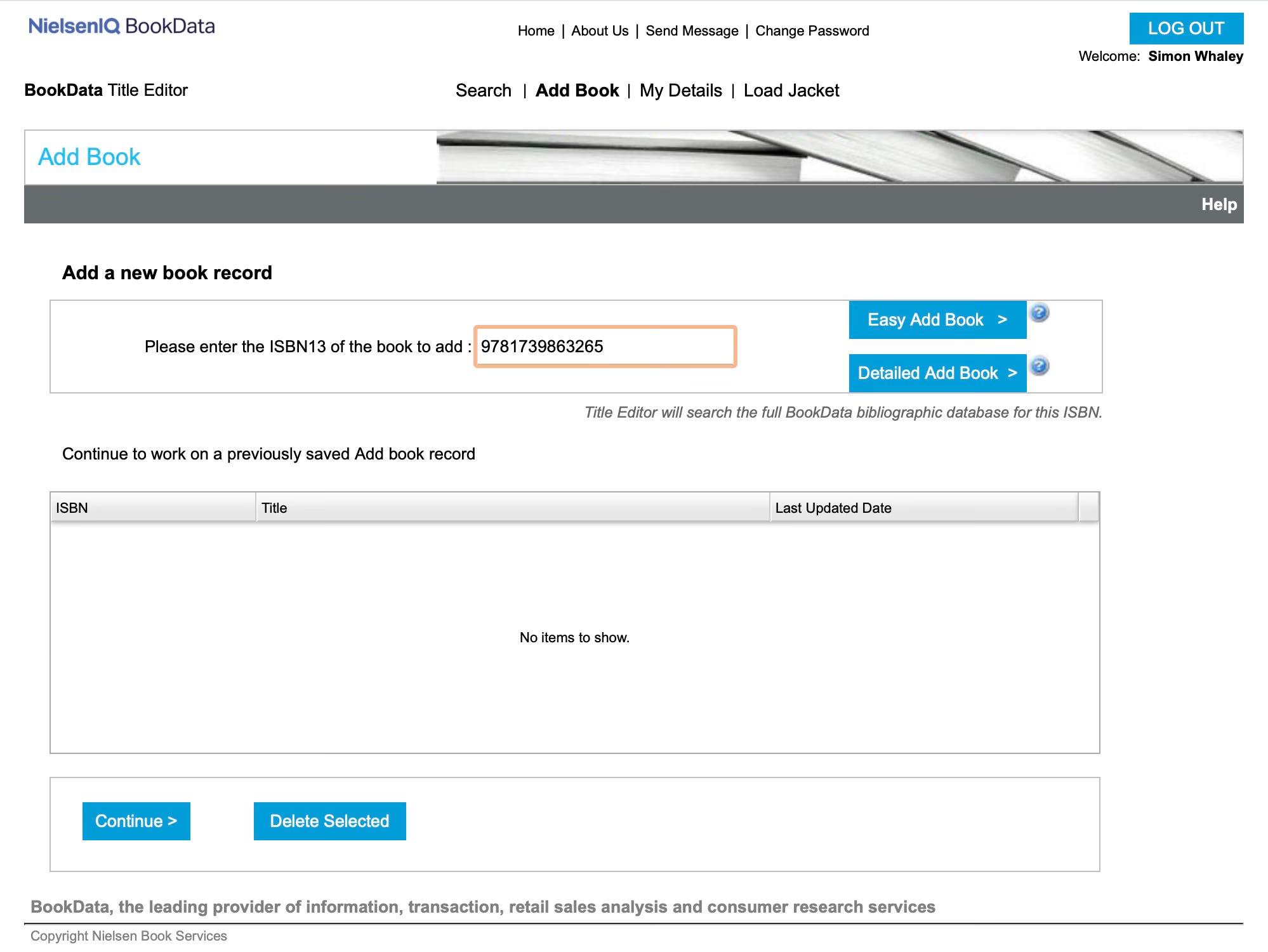
There are two buttons to choose from: Easy Add Book and Detailed Add Book. Most self-publishers will find Easy Add Book is sufficient. Choose this if you have worldwide rights to the language of the book you’re self-publishing. (Most self-publishers do.)
Then, select an imprint. I publish my books under my own name, but if you have an imprint (and you told Nielsen to allocate the ISBNs that you bought to an imprint name), then select that here from the dropdown list.
Next, you’ll see the main details page. This seeks all the expected information, including title, series information, author name, publication date, RRP, and a short description.
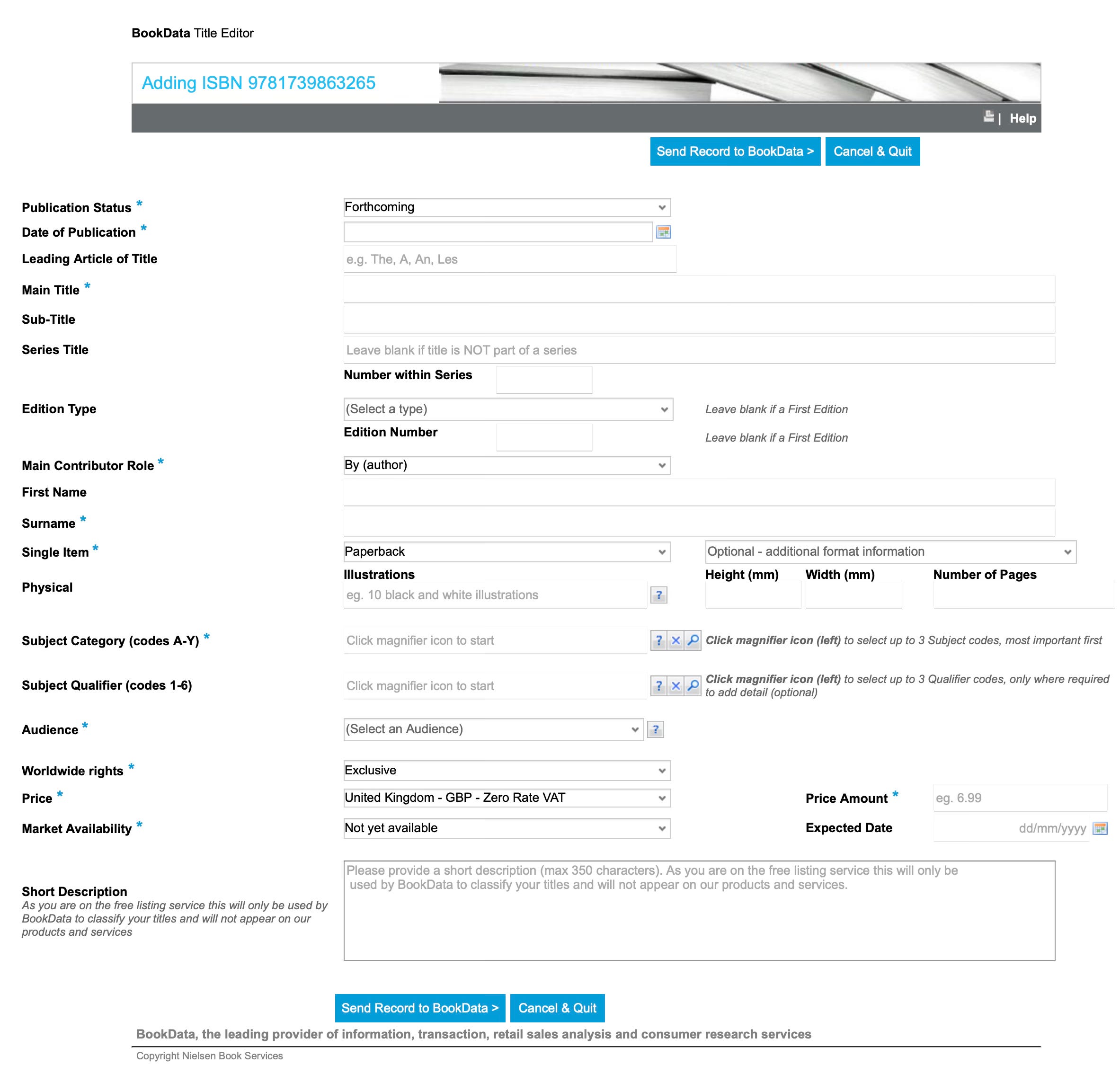
It also asks you to select some category codes (think of these like BISAC codes in the library).

The best option is to click the Browse Thema Index link because this opens up a new webpage, and I find it much easier to search for the categories here.
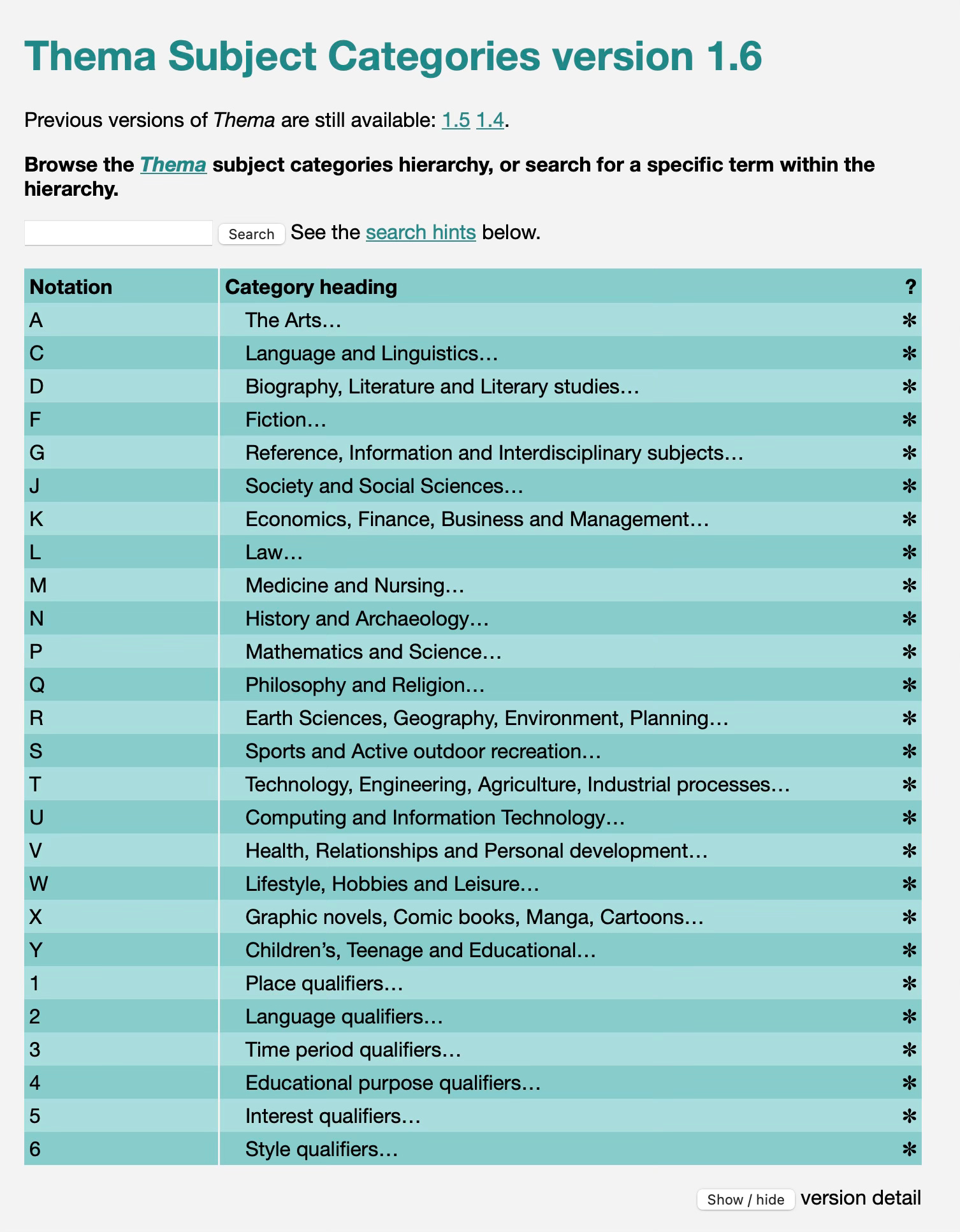
We’re allowed to select three codes, so for my cosy crime novel I have selected:
FF (Crime/Mystery fiction)
FFJ (Crime and mystery: cosy mystery)
FFK (Comical (humorous) crime and mystery)
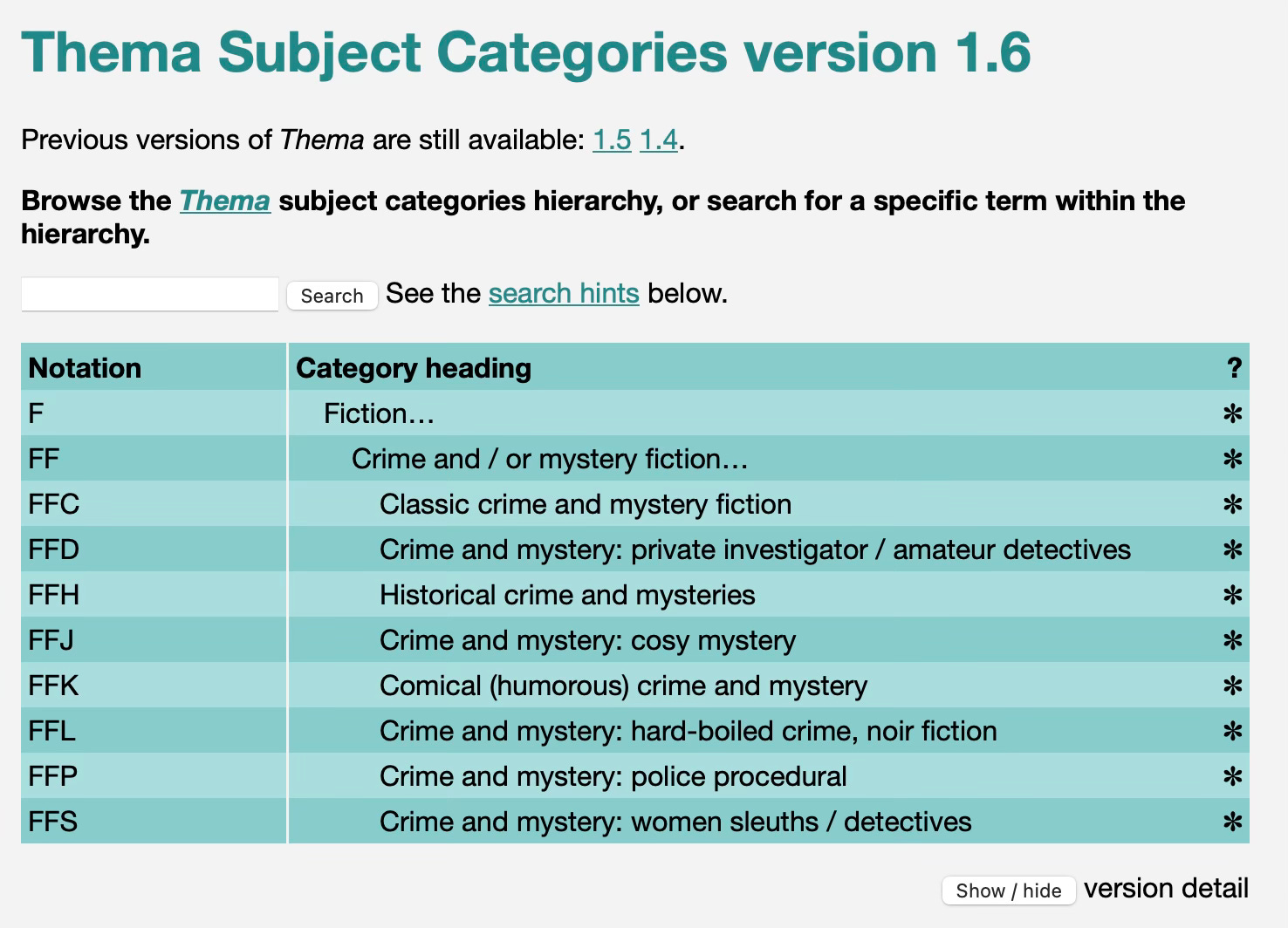
At the very bottom is a box for a short description of the novel. When I say short, I mean short - it’s 350 characters!
Once you’re happy with everything, click on the Send Record to BookData button at the bottom.
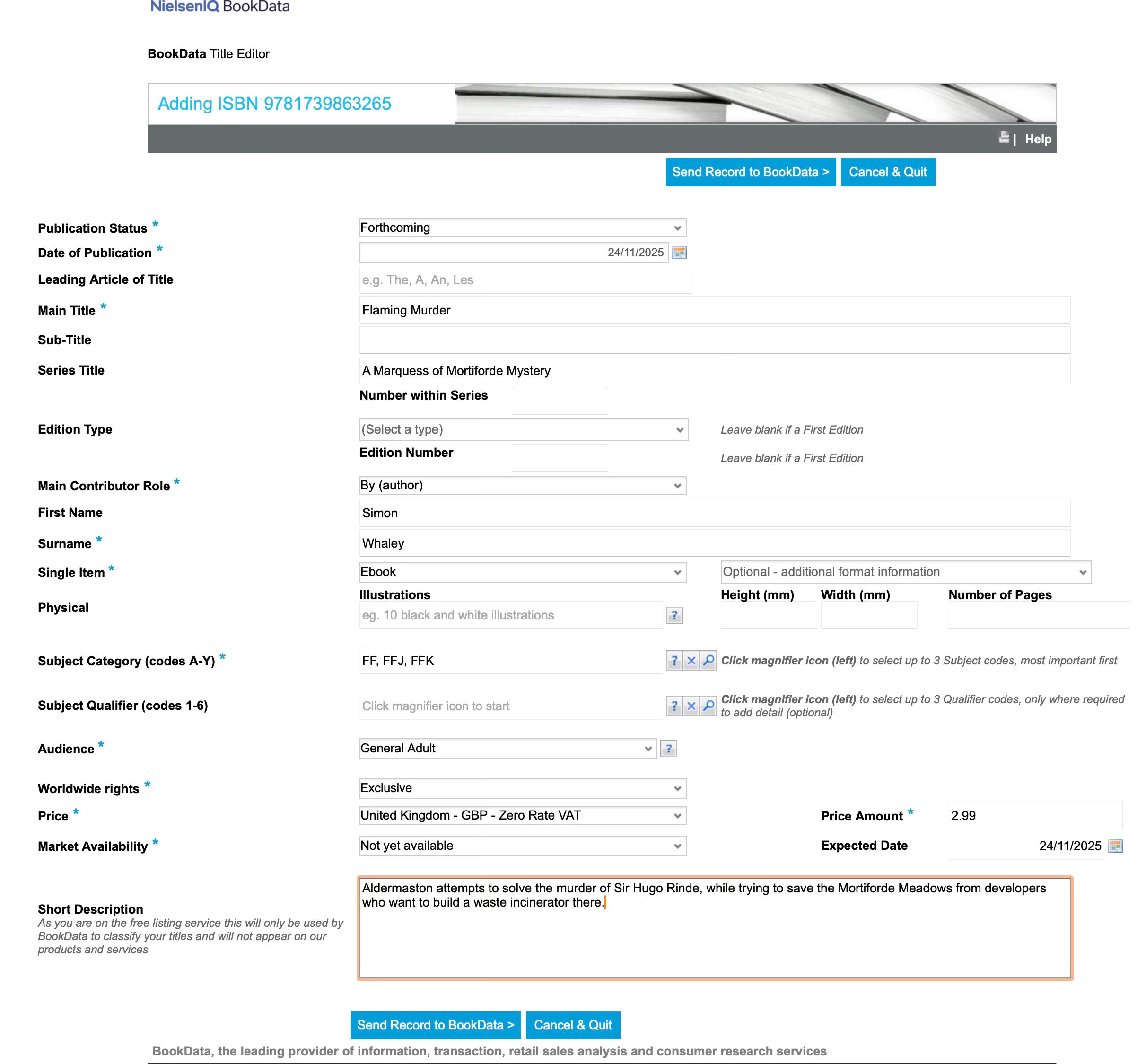
All being well, you’ll see a confirmation page.
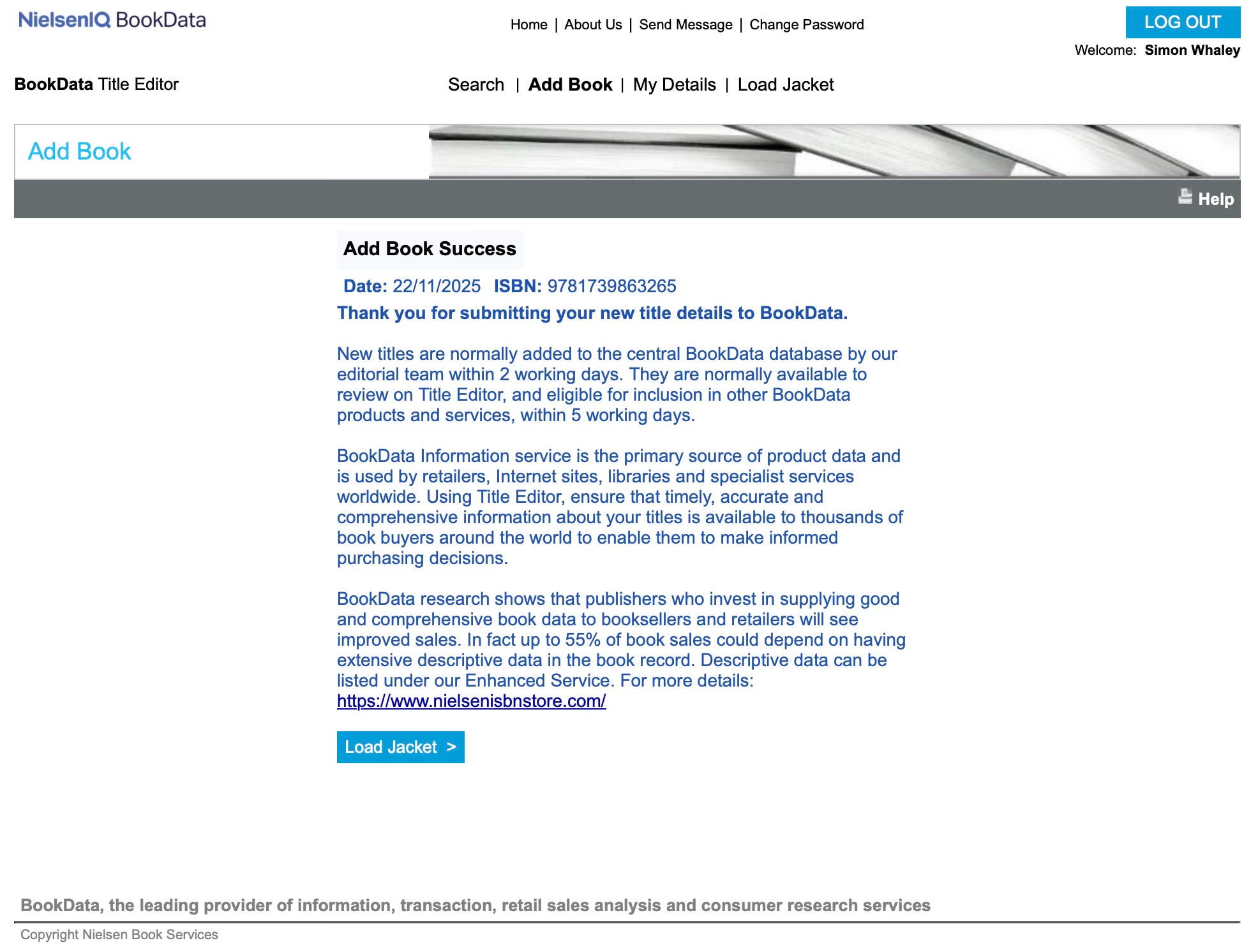
Then you need to load the jacket (cover). Note the guidance given here. They only want the front cover; they want nothing else in the image, and your image filename MUST be your ISBN.
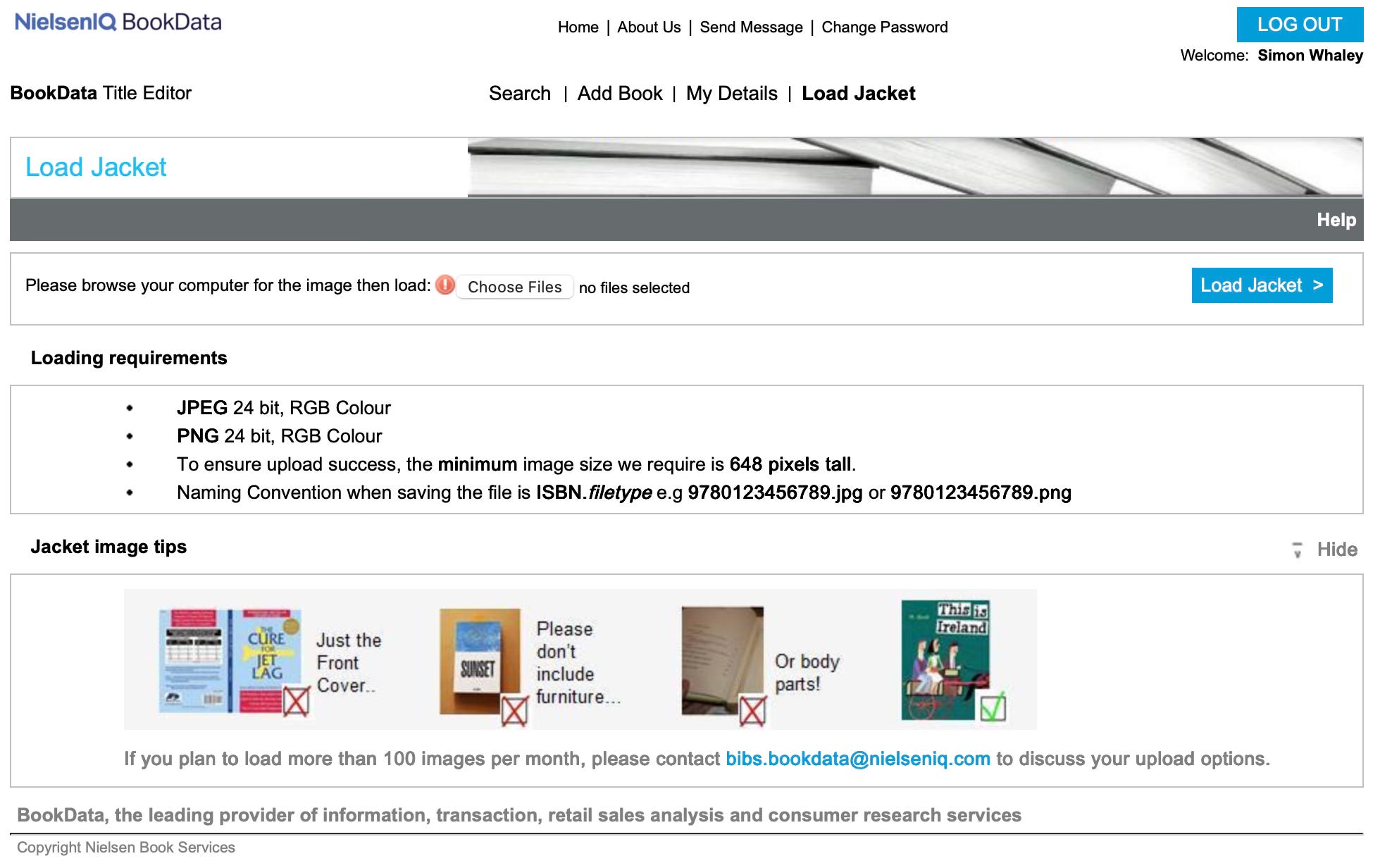
If everything goes well, you’ll also see a confirmation page.

And that’s it! Except to remind you that you need to use a different ISBN for each format of the same book. These details are for my eBook version, so I will have to repeat this process for my paperback version.
It can take a few days for the information to filter through, but by completing this information, Nielsen can tie together the ISBN they sold you with the book you have allocated it to, and they then distribute this key information out to all book retailers and platforms.
Upcoming Deadlines
Don’t forget, the deadline for registering published articles and visual contributions published in UK magazines with the Authors Licensing and Collecting Society is 30th November 2025. What’s most important is that this is the cut-off date to register articles published in 2022. The payout the ALCS will make in March 2026 will be for the last three full calendar years—2022, 2023, and 2024. You can still register articles published in 2023, 2024, and 2025 at any time, but if you haven’t claimed all of your published articles from 2022, you must add these details before 30th November.
If you’re not sure what ALCS is, or what it does (it gives writers free money!), then check out my post from February 2018, which gives a full explanation.
Book News
I’ve just released an audiobook version of The Positively Productive Writer on Amazon.com using Amazon’s Virtual Voice service. This is a digitally narrated audiobook, and Amazon only makes it available via its US website. It’s currently priced at $5.99.
Until next month, keeeeeeeeeep writing!
Best wishes,
Simon
This is so useful! And I concur with your note on ALCS - it's just fab to get money in your account at the end of March for stuff you've already written.
Crikey, that sounds awfully complicated Simon!
I hope the funeral went ok. These occasions can often be very difficult. Yes, life can throws us curveballs that can put our writing plans off kilter.